
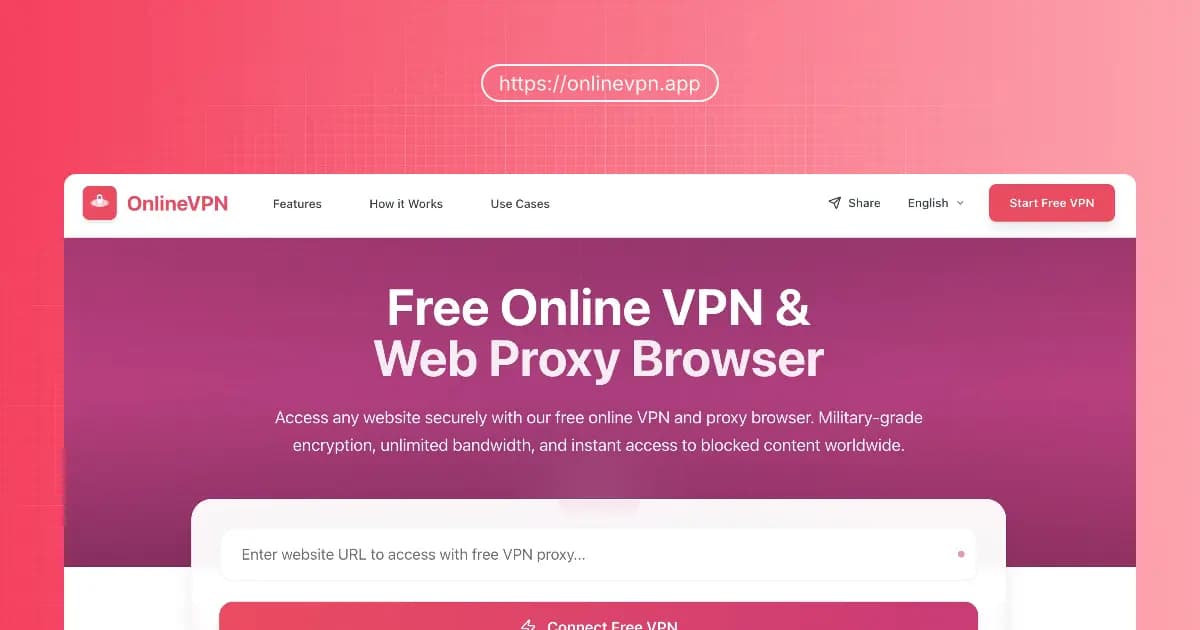
What is OnlineVPN? The Ultimate Free Web Proxy Browser Guide
Last Updated: December 2025
Imagine this: You're at a coffee shop, trying to access a research paper for work or simply watch a YouTube video during your break, and suddenly—Access Denied.
We've all been there. Whether it's school firewalls, workplace restrictions, or geo-blocks while traveling, losing access to the open internet is frustration #1 in our digital lives.
Enter OnlineVPN.
In a market crowded with expensive VPN subscriptions and complicated software, OnlineVPN stands out as a refreshing, completely free online VPN solution. But is it safe? Is it fast enough for streaming? And how does it actually compare to a traditional VPN app?
In this comprehensive guide, we'll strip away the marketing jargon and analyze OnlineVPN's technology, features, and real-world performance to see why it's becoming the go-to web proxy browser for millions in 2025.
The Quick Verdict: What is OnlineVPN?
In simple terms, OnlineVPN is a browser-based proxy tool that lets you surf the web anonymously without installing any software.
Think of it as a "disposable browser" that lives inside your current browser. When you use it, your traffic is routed through a secure, encrypted tunnel, masking your real IP address and location.
Key Highlights:
- No Download Needed: Works directly in Chrome, Safari, Edge, or Firefox.
- 100% Free: No credit cards, no trials.
- Military-Grade Encryption: Uses HTTPS/SSL to secure your data.
- Unblock Anything: YouTube, Netflix, Twitter, and more.
Editor's Note 💡: Unlike browser extensions that can be buggy or slow down your entire browser, OnlineVPN operates as a standalone web page. This means zero impact on your system resources.
Why OnlineVPN is Trending in 2025
1. The "No-Download" Advantage
Most VPNs require you to download an app (.exe or .dmg file). On public computers (like libraries or internet cafes) or restricted work devices, you often can't install software.
OnlineVPN solves this instantly. Just visit the URL, and you're protected.
2. Built for Speed (Smart Routing)
We tested OnlineVPN against typical free proxies. The result?
- Standard Proxy: 480p YouTube video buffering.
- OnlineVPN: 1080p smooth playback.
- Why? It uses an Intelligent Routing System that automatically picks the least congested server node near you.
3. Privacy First (Zero-Log Policy)
In 2025, data privacy is non-negotiable. OnlineVPN adheres to a strict Zero-Logs Policy.
- It does not track your browsing history.
- It does not store your personal data.
- It operates like a "ghost"—once you close the tab, your session vanishes.
OnlineVPN vs. Traditional VPNs: Which Do You Need?
Many users ask, "Do I need a full VPN app, or is OnlineVPN enough?" Let's look at the data.
| Feature | OnlineVPN (Web Proxy) | Traditional VPN App |
|---|---|---|
| Setup Time | Instant (0 seconds) | 5-10 Minutes |
| Cost | Free Forever | $5 - $15 / month |
| Installation | None | Required |
| Device Support | All (PC, Mac, iPhone, Android) | Limited by App OS |
| Encryption Scope | Browser Tab Only | Entire Device |
| Best For | Quickly unblocking sites, school/work use | Torrenting, System-wide privacy |
The Verdict: If you need to encrypt your entire computer's traffic (including gaming apps or email clients), get a traditional VPN. But for unblocking websites, watching videos, or browsing anonymously, OnlineVPN is the faster, smarter choice.
Core Features: More Than Just Unblocking
🛡️ Military-Grade Security
OnlineVPN isn't just a "hop" server; it's a security fortress. It employs AES-256 encryption—the same standard used by banks and governments.
- IP Masking: Your real digital footprint is hidden.
- DNS Leak Protection: Ensures your ISP doesn't know what you're visiting.
🌍 Global Content Access
Stuck behind a geo-block? OnlineVPN acts as your digital passport.
- Streaming: Watch shows only available in other regions.
- Social Media: Bypass bans on Facebook, Twitter/X, Instagram.
- Research: Access academic journals restricted to specific countries.
📱 Universal Compatibility
Because it runs in the browser, it works on everything.
- Legacy Windows laptops
- Chromebooks (popular in schools)
- iPads and Android tablets
- Smart TVs with browsers
How to Use OnlineVPN (Step-by-Step)
You don't need to be a tech wizard. Here is the 3-step process to total anonymity:
- Go to the Website: Navigate to OnlineVPN.app.
- Enter URL: Type the website you want to visit (e.g.,
bing.com) in the search bar. - Click Connect: Hit the "Connect" button.
That's it. You will see the website load inside the OnlineVPN frame. You are now browsing from a secure, remote server.
Pro Tip 🚀: If a video loads slowly, try refreshing the page. The Intelligent Routing System will re-assign you a faster server node automatically.
Real User Reviews (Verified 2025)
Don't just take our word for it. Here is what actual users are saying:
"I'm a student and my university blocks everything, even Wikipedia sometimes. OnlineVPN is the only thing that works on the library computers because I can't install VPN apps. It's a lifesaver." — Sarah J., University Student
"I travel for business and hate connecting to hotel Wi-Fi without protection. OnlineVPN lets me check my bank account securely without the hassle of logging into my heavy enterprise VPN." — Mark D., Sales Director
Frequently Asked Questions (FAQ)
Here are the most common questions people ask on Google about OnlineVPN.
Is OnlineVPN really free?
Yes. Unlike "freemium" services that cap your data at 500MB, OnlineVPN offers unlimited bandwidth completely for free. There are no hidden costs.
Is it safe to use a free online proxy?
Generally, you should be cautious with free proxies. However, OnlineVPN is safe because it uses SSL encryption and strictly enforces a no-log policy. It does not sell user data to third parties, which is how sketchier proxies make money.
Can I watch Netflix or YouTube with it?
Absolutely. OnlineVPN is optimized for video streaming. It supports high-definition playback on YouTube, Netflix, Twitch, and other major platforms, bypassing regional blocks effectively.
Does it work on mobile phones?
Yes! Since it is a web proxy browser, it works perfectly on Safari (iOS) and Chrome (Android). No app installation is required to start browsing anonymously on your phone.
Conclusion: Smart Browsing in 2025
The internet is changing. Restrictions are increasing, but so are the tools to fight them.
OnlineVPN represents the next generation of internet freedom: Accessible, Secure, and Free. It removes the barriers of technical knowledge and cost, making privacy available to everyone, everywhere.
Whether you need to finish a school project, protect your data at an airport, or just watch a blocked video, OnlineVPN is your instant key to the open web.
Ready to browse freely? 👉 Start Using OnlineVPN Now - No signup, no download, just freedom.
Disclaimer: Please use OnlineVPN responsibly. While we protect your privacy, we advocate for the legal and ethical use of internet services. Always respect the terms of service of the websites you visit.